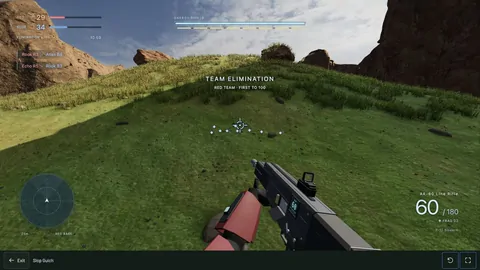
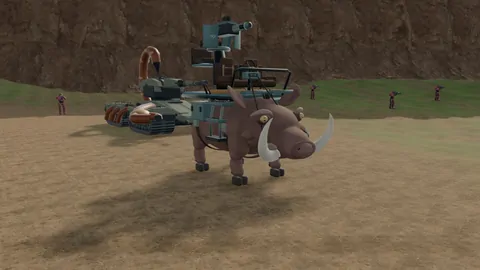
Multiplayer · Getting started
Get your friends into the same browser game.
Picking a game is easy. Getting everyone into the same room is the bit worth sorting out first. Here’s how Slopclip’s multiplayer games differ.
In this guide
Pick the kind of session you want
| Game | The session | Before joining |
|---|---|---|
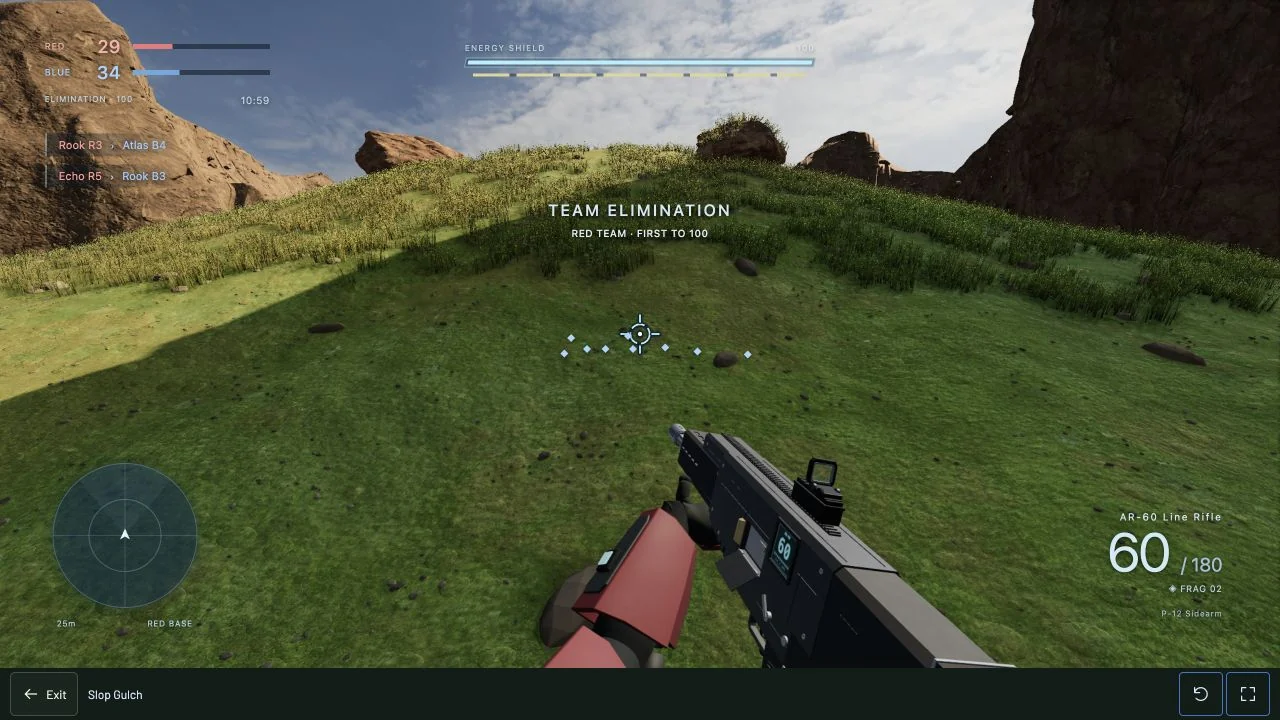
| Slop Gulch | Team FPS with vehicles and bots. Big Team Battle (8v8 / 10v10), 16v16 Conquest or private invites. | Guests can join Big Team Battle. Conquest and private matches need a verified account for every player. Private matches give no XP. |
| Stick Slop | Top-down arena rooms with invite codes and optional bots. Default eight players; larger maps allow ten or twelve. | Choose Play online and sign in. Accounts are required for online rooms. |
| Sloppy Robot | Rooftop robot combat: 1v1, 2v2 and 3v3, with friends and party invites. | Accounts are required for online play. |
| Club Drunk | A shared neighborhood with chat and minigames. | Drinking jokes and adult humor. Play as a guest or with an account. |
Set up a private Slop Gulch match
- Everyone opens Slop Gulch and signs in to their own verified account.
- One person selects Private Match and chooses teams, bot count and difficulty.
- The host shares the private invite code. Everyone else uses the game’s join flow to enter that session.
- Check that the group is in the same match before you start.
Private matches give no global XP. They still run online; this is not local split-screen or an offline LAN package.
Public matchmaking works differently
Quick Match tries official rooms first. When they’re full, you can wait, or choose public community play if you’re signed in. Guests can only join official Big Team Battle, and signed-in players get the next free official seat first. The listed team sizes include bots, so a 10v10 format does not tell you how many humans are online. Use private invites when keeping your group together matters more than joining a public match.
Check the slowest device before everyone loads in
Have the person on the oldest device try the game first. Slop Gulch is a substantial 3D download; Economy or Balanced is a sensible starting point. On phones, use landscape for its touch controls. Stick Slop and Sloppy Robot also have touch controls.
The game page’s Expand control gives you more space. If the controls fit but the game still runs badly, work through the performance guide.
One account, separate progress
You can use one Slopclip account across the arcade. Each game keeps its own supported saves and settings. Slop Gulch awards server-validated XP in eligible public play; private games do not add global XP. Stick Slop saves supported career totals, and Sloppy Robot keeps your earned garage. You never need to share a password to join a friend.
Looking for a solo game?
Slopscape is a single-player fantasy adventure. 5 Nights at Mar-a-Slopo is an 18+ single-player horror alpha. Neither is a shared multiplayer world. Compare the solo options.