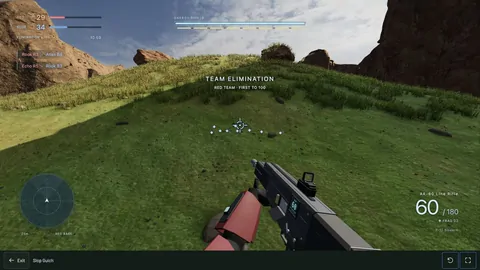
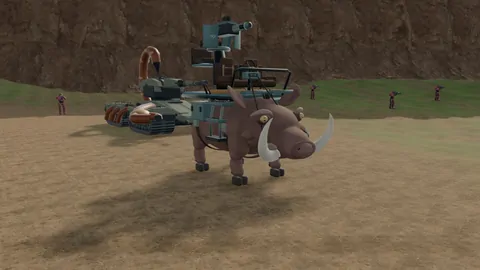
Slop Gulch · Settings
Slop Gulch running rough? Start here.
Ultra looks good. It’s also more work for your device. If the game feels bad, work out whether you’re waiting on a download, dropping frames or having connection trouble.
In this guide
Which graphics preset should you use?
| Preset | When to try it | What changes |
|---|---|---|
| Economy | A phone, an older computer, or any device that stutters. | The lightest visual workload of the four presets. |
| Balanced | Your first match on desktop. | A middle ground. Check movement and aiming before adding detail. |
| High | Balanced already runs comfortably. | More visual detail, with additional assets to download. |
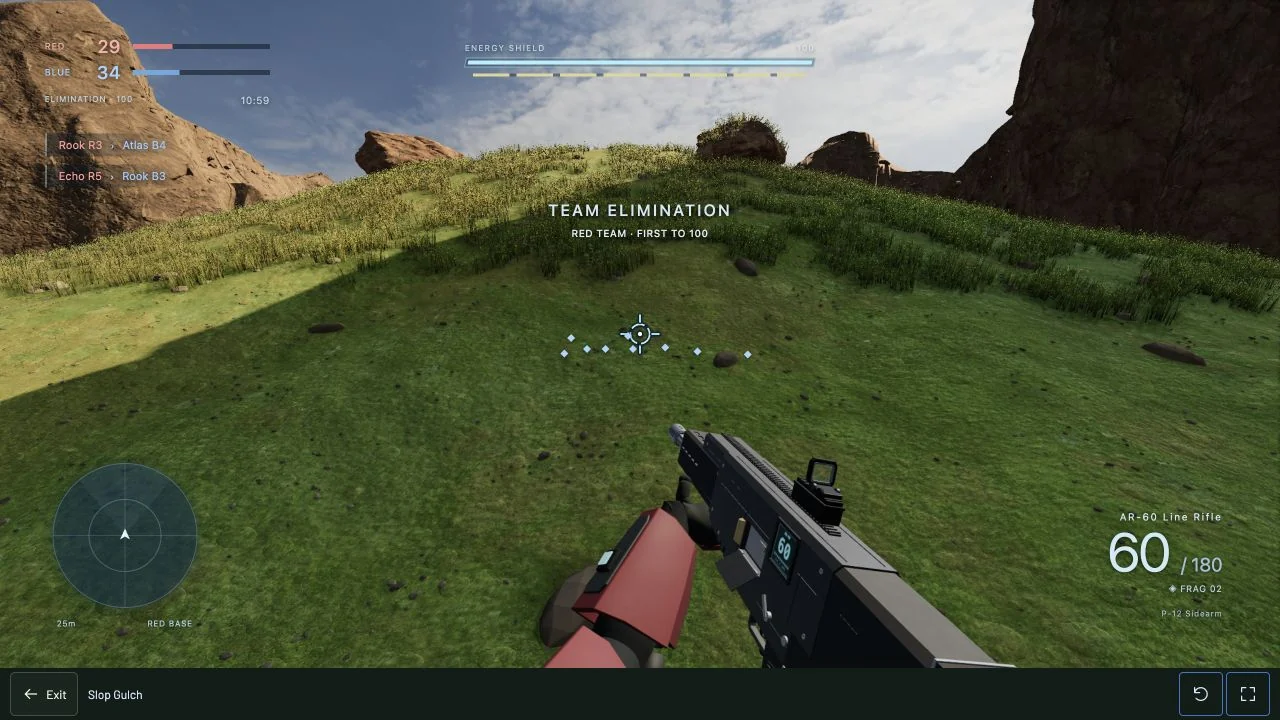
| Ultra | You have room to spare and want the richer canyon. | Detailed surfaces, grass and small scenery, warmer lighting, contact shadows, clouds and film effects. |
The first load is taking a while
“No installer” doesn’t mean “no download.” The browser still needs the game client and its assets. High and Ultra load additional assets, and your browser’s cache changes how much it needs on the next visit.
Let the current load finish before judging performance. Refreshing repeatedly can make it harder to tell whether the download is progressing. If it fails, report the message you see and the preset you picked. The amount downloaded depends on your preset and what’s already cached.
The camera stutters when you turn
Start with rendering. Lower the preset and repeat the same turn or run in the same area of Cinder Basin. If that helps, add detail one step at a time.
- Close other games and graphics-heavy browser tabs.
- Check that your browser can use hardware acceleration.
- If the laptop is hot or in battery-saving mode, let it cool down or use its normal performance mode.
- Compare a current browser at the same window size. A larger game view can mean more pixels to render.
Don’t change everything at once. You want to know which change helped. If Economy still stutters, that’s useful information for a bug report too.
The camera is smooth, but players jump around
That can point to network delay or server trouble. Turning down grass won’t fix a connection problem. Pause large downloads, try another match and note whether your own movement snaps back or only other players do.
Bot matches are hosted online too. Fighting bots does not remove the need for a stable connection.
Playing on a phone or tablet
Use landscape and start on Economy. Check that you can move and aim comfortably before increasing quality. Expand gives the controls more room, but may also increase the rendering workload. Touch controls being available is not a guarantee that every phone can run Ultra well.
Tell me what happened, not just “it lags”
That complaint is fair. A few details make it much easier to fix: your device, browser, preset, public or private match, and what you were doing. Say whether the camera stutters, other players snap around, or the whole page freezes. A short clip helps.
Leave that under Slop Gulch’s Community section. This is still a one man slop shop. I want the game to feel good, and real feedback tells me where to spend the next fix.